Resources
To locate the components, from the eCatalog panel go to Models by Type and Navigation (Beta).
How It Works
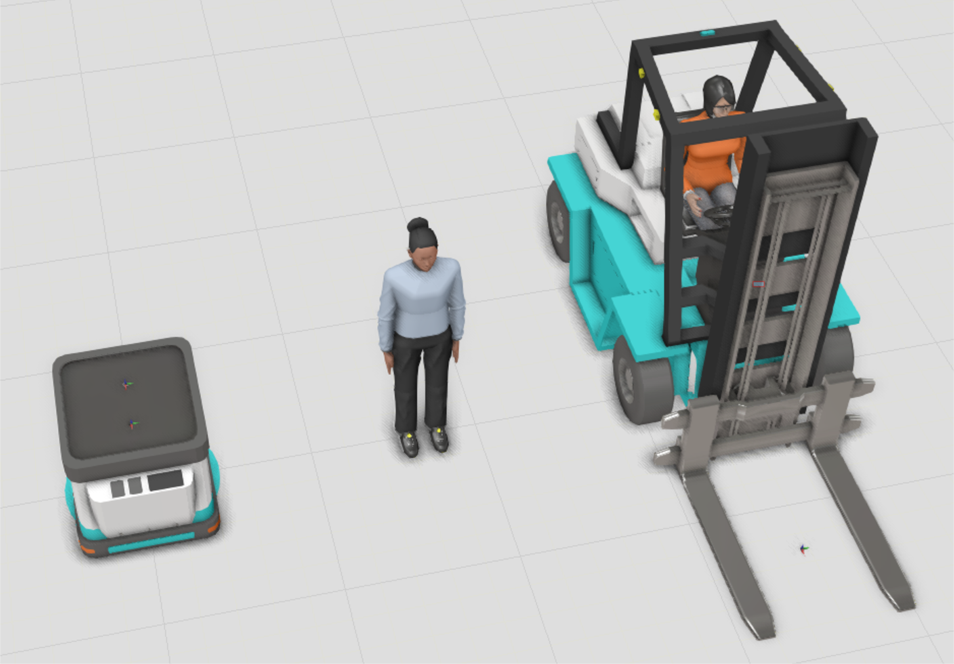
Resources execute the transport tasks and work tasks dispatched by the transport controller.
Transport Tab
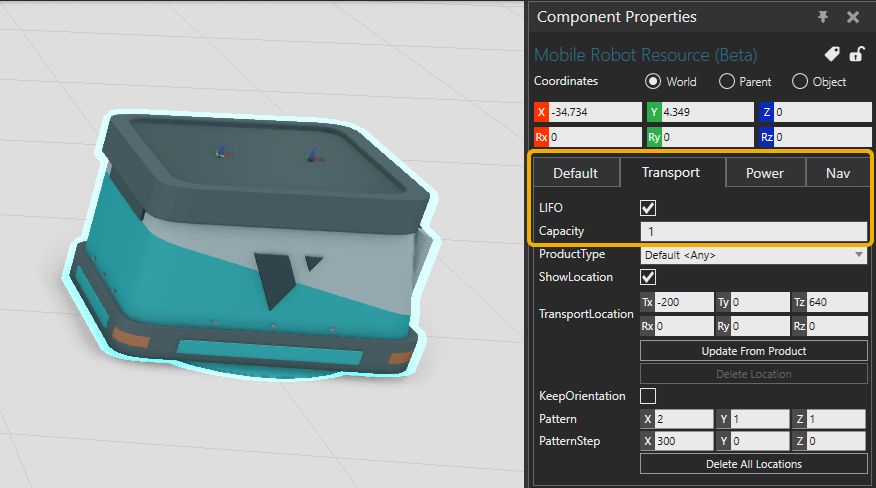
The LIFO property in the Transport tab defines the order of delivery. When enabled the last entered product will be transported out first. When disabled, the first entered product will be transported out first.
The Capacity property in the Transport tab defines how many products can be carried simultaneously, where the products are placed on the resource, and how they are handled.
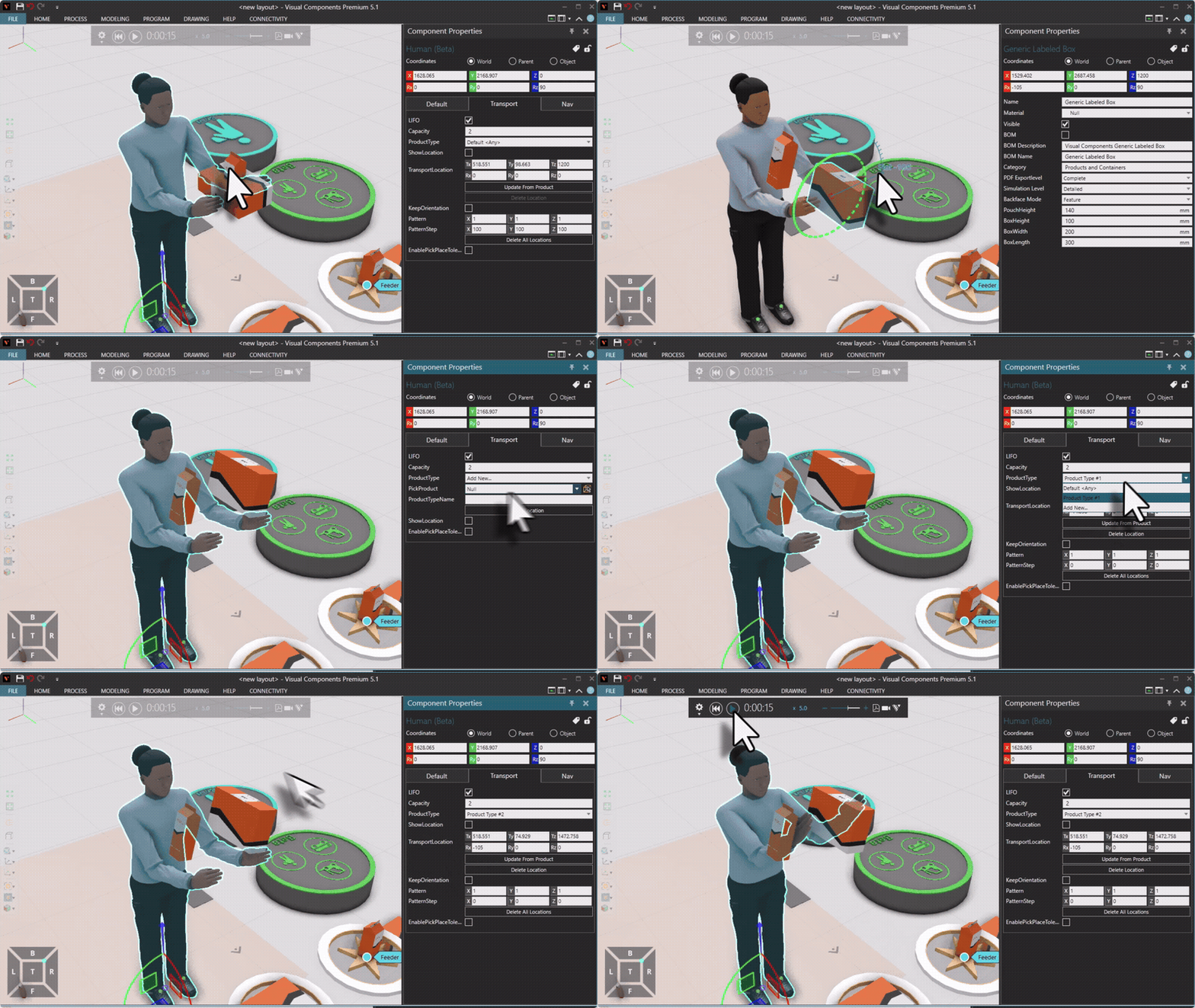
The simulation can be run until the desired product is on board, then pause and pick the product with PickProduct that will read its type and location. Then click Add Location.
Resource Tools
In each transport link, a tool used to transport the product(s) can be defined.
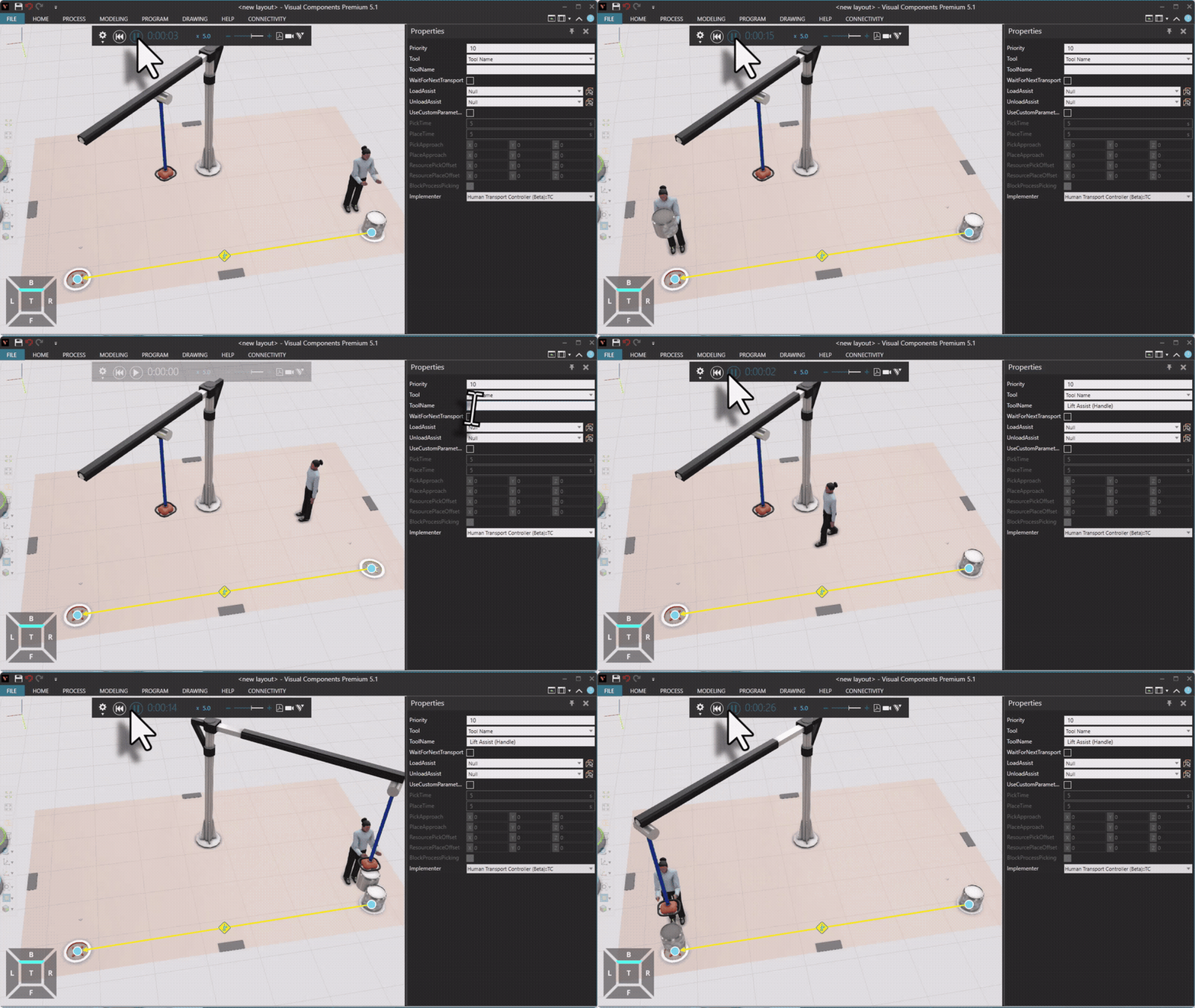
A tool for work tasks can be defined in the Tool property in the Work tab of the transport controller.